
HVAC field app · works with no signal
Know what your gauges are telling you.
Superheat and subcool with a live verdict, P-T for seven refrigerants, airflow, psychrometrics and load calcs — plus Gary, an assistant who answers in shop talk. All of it runs on your phone, offline.
Free web app for any phone or computer. Android app available. No account, no sign-in.
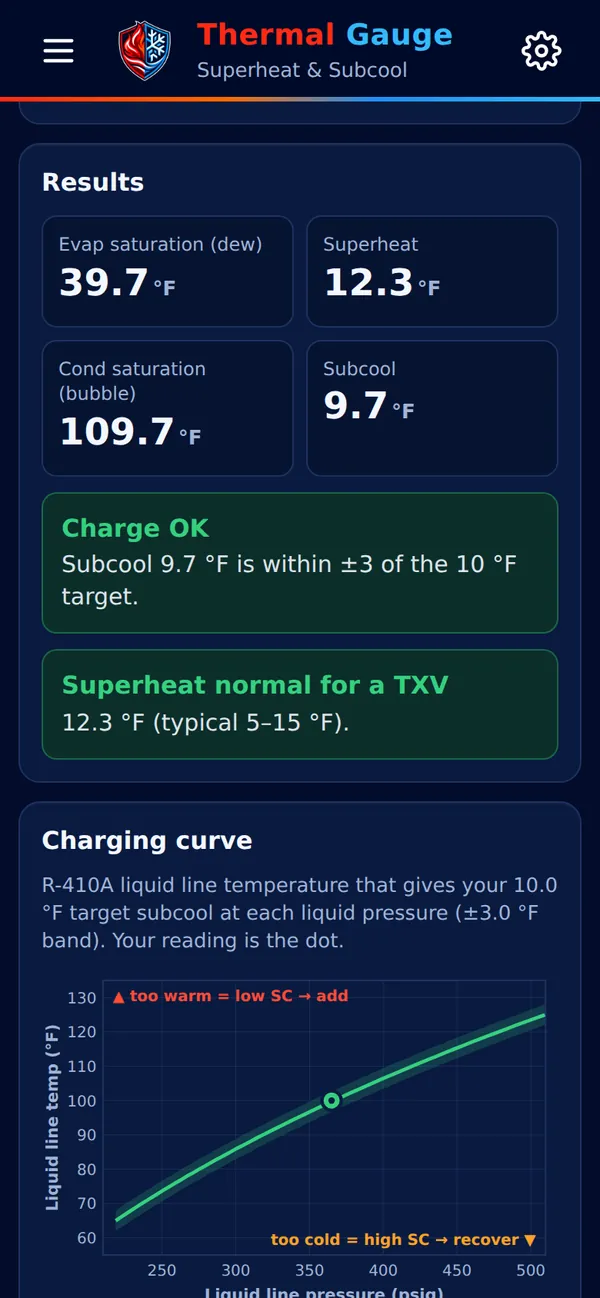
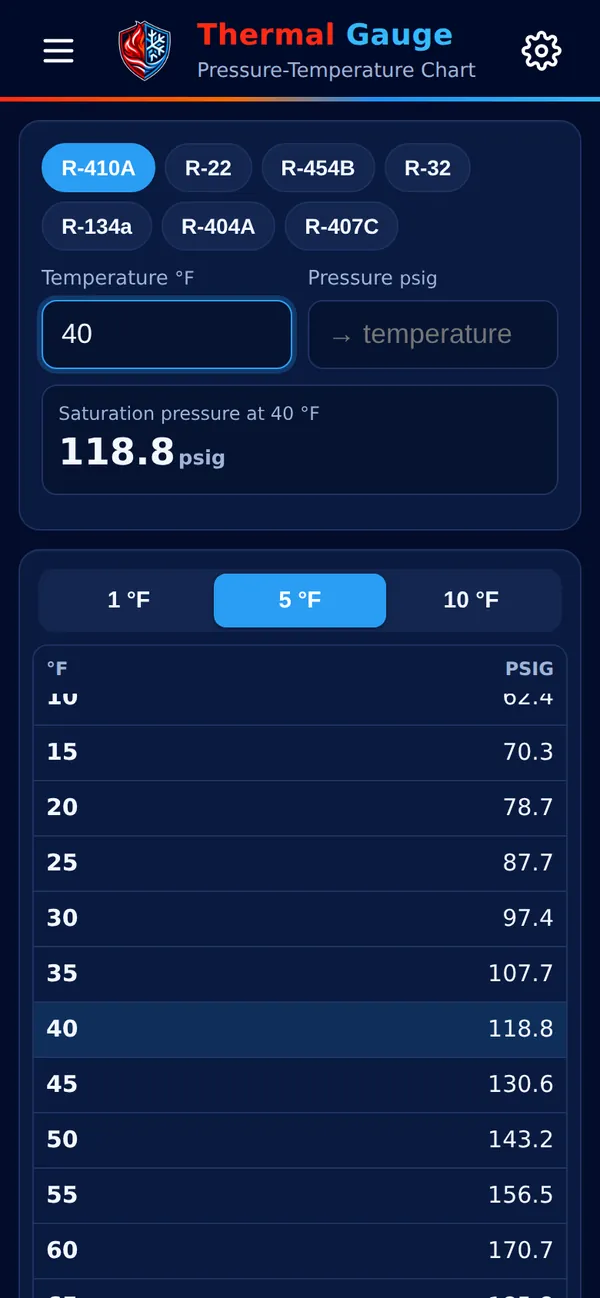
Actual screens from the app
- 7refrigerants
- 270Gary topics
- 47troubleshooting cards
- 40student faults
- 28how-to guides
- 0bars of signal needed
The tools
Everything you'd pull out of the truck, on one screen.
Each tool opens from the menu, remembers what you typed, and switches between °F and °C with every temperature in the app.
Ask Gary
An assistant that talks like a tech.
Gary works with no internet and no account. Type or say what you're seeing — readings, symptoms, slang, typos — and he tells you what it means and where to start. Every answer comes from the app's built-in reference, so it works in a basement with no bars.
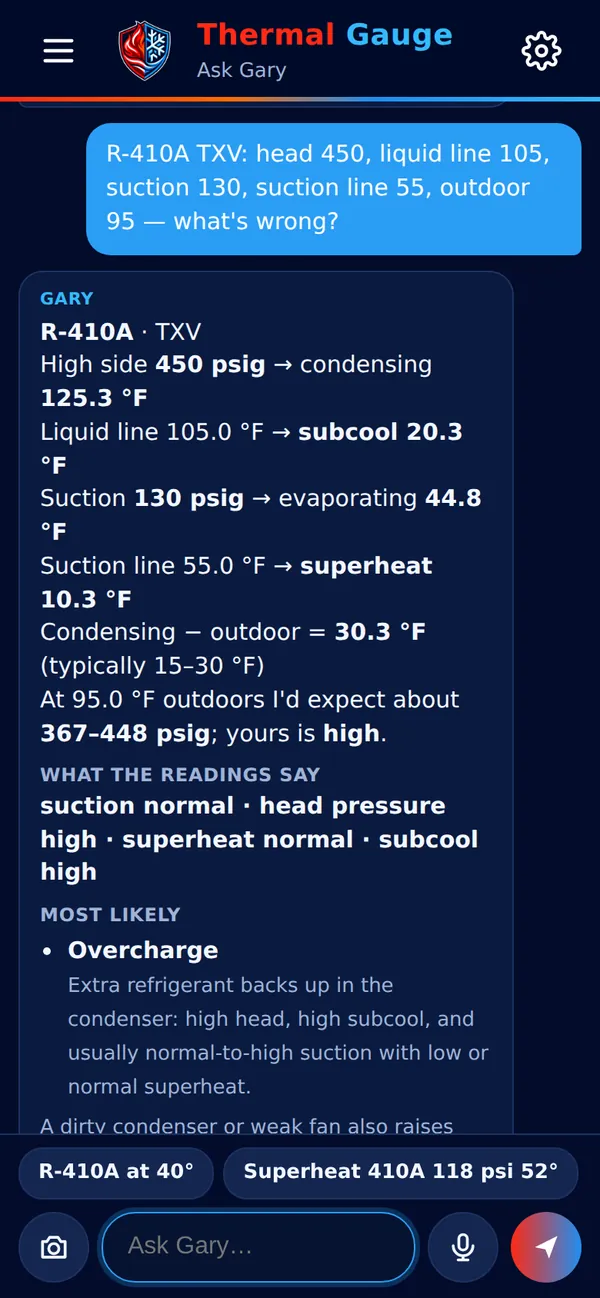
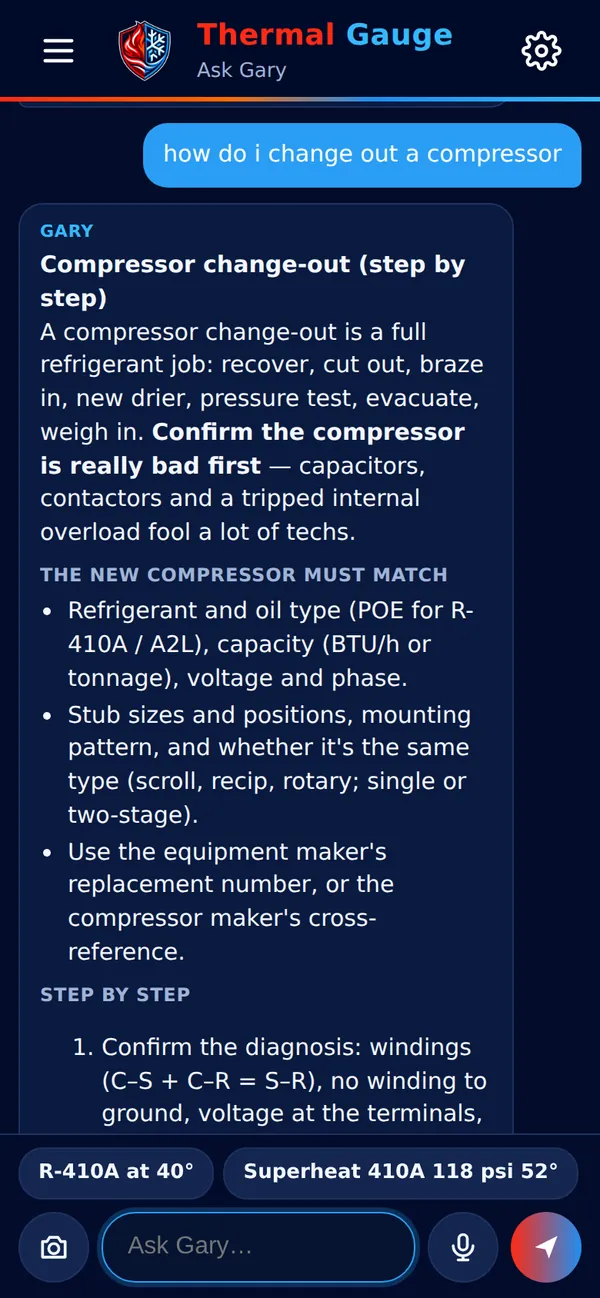
Pressures & charge
Reads a whole set of gauge readings, works out superheat and subcool, and gives normal pressures for today's outdoor temperature.
Troubleshooting
Symptom to cause with a "start here" step: frozen coils, short cycling, lockouts, noises and smells.
Meter readings
"0 V between Y and C at the condenser" — he tells you which switch is open and what to check next.
Component change-outs
Compressors, evaporator coil pulls, heat strips, blower motors, gas valves, igniters — what to match and every step.
Package units & water-source
Gas packs, rooftop units, belts, draw-through traps, WSHP lockouts, water flow and 500 × GPM × ΔT.
Data tags from a photo
Snap a nameplate or gauges and Gary reads them — model, serial date and refrigerant. Photos never leave the phone.
Student Mode
Built for the classroom and the trainer.
Turn on Student Mode in Settings and two tabs appear: Faults, 40 troubleshooting exercises in four tiers, and How To, step-by-step guides for the skills every new tech needs.
The AC isn't coming on at all.
Look, listen and check the basics. Few or no tools.
The furnace starts making noise but never lights.
Meter work: find the part that stopped the call or the power.
When I turn the fan to ON, the outside unit starts too.
Gauges, temperatures, amps and line voltage together.
Poor cooling, and the small copper line outside feels oddly cold.
Subtle and combined faults. Readings have to be interpreted, not just read.
Set safely. Every fault is set by an instructor with the power locked out, using entry-level tools. None of them vent refrigerant, open gas piping or bypass a safety — and each one has run-time and stop limits. An instructor view shows the setup; students get three hints, then the answer.
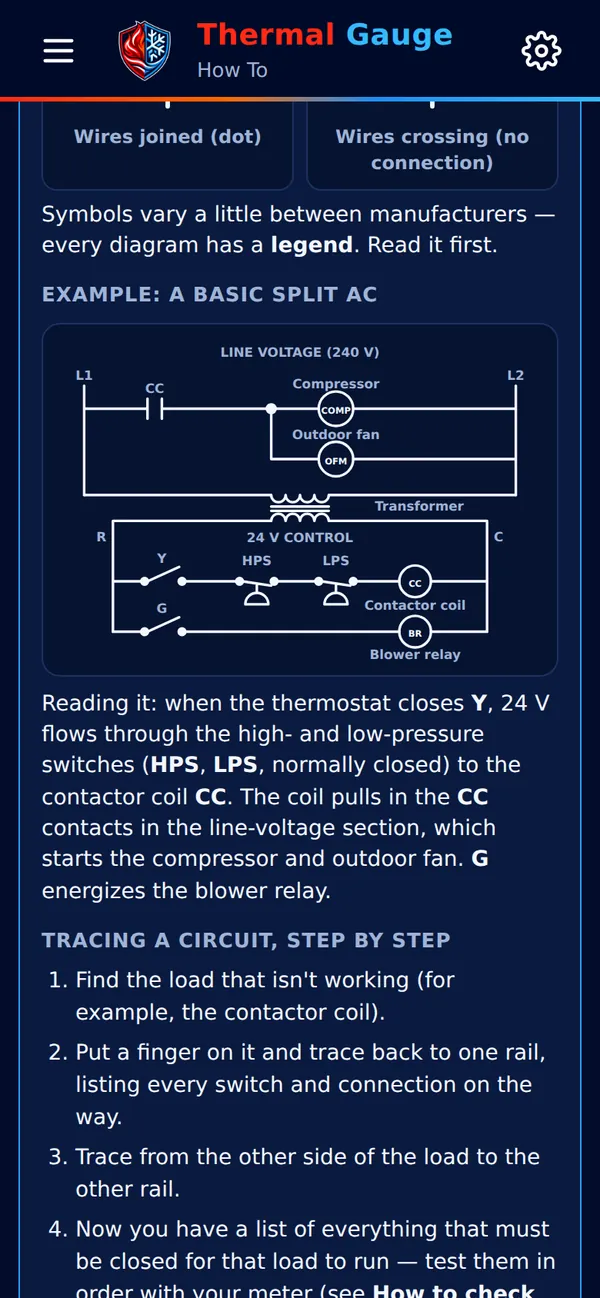
28 How To guides, including
- Read a wiring diagram
- Check for voltage
- Lockout / tagout
- Braze copper
- Make a flare
- Charge refrigerant
- Recover refrigerant
- Pressure test & evacuate
- Check gas pressure
- Clean coils
- Water-source heat pumps
- Adjust a blower belt
Themes
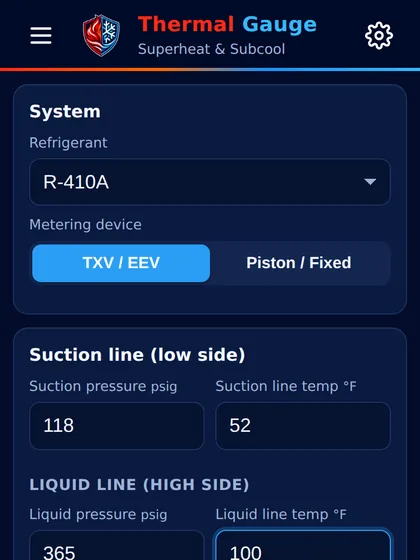
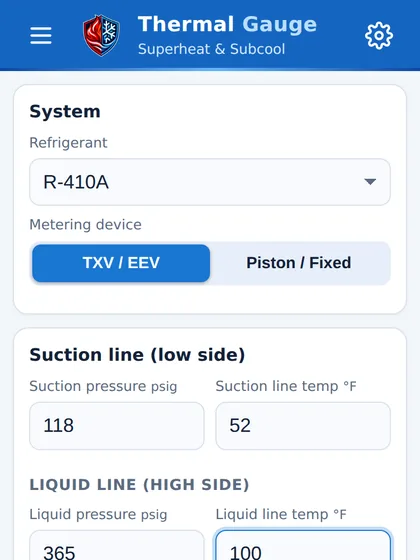
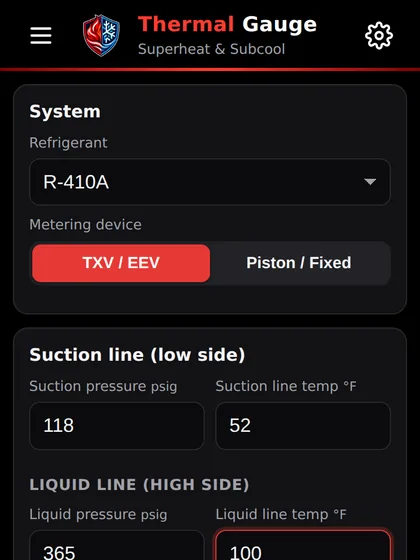
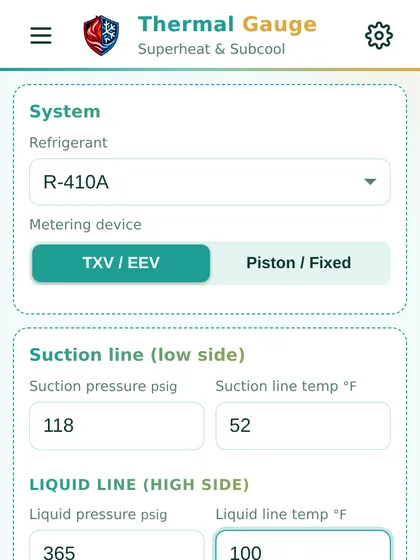
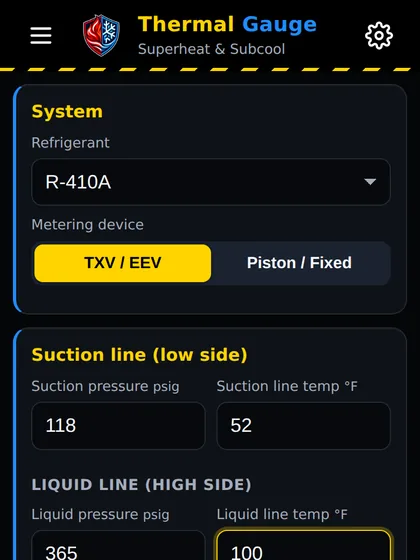
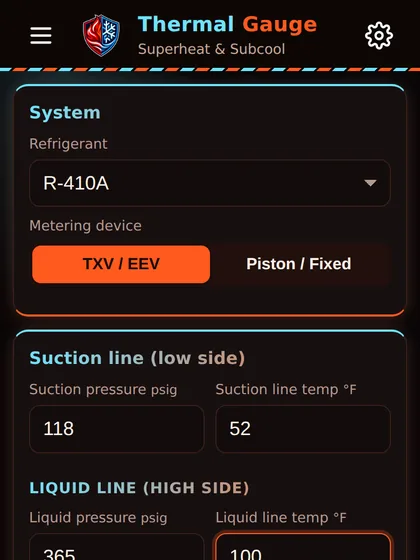
Make it yours. Six looks, one tap.
Pick a theme in Settings. The app icon and the shield stay the same whichever you choose.
Built for the field
Attic, crawlspace, rooftop — no signal needed.
Fully offline
Every calculator, chart, guide and Gary answer is stored on the phone. Nothing waits on a connection.
Private
No account to create. Photos of data tags and gauges are read on the phone and never uploaded.
Service notes
Save notes with photos and labels for each job, and copy them into a text or email in one tap.
Voice both ways
Ask Gary with the mic when your hands are dirty, and have him read the answer out loud.
Get Thermal Gauge
On your phone in a minute.
Web app
Any phone or computer
Open it in your browser. It keeps working offline after the first visit.
Open the web appHome screen
Install it like an app
iPhone: Share → Add to Home Screen.
Android: browser menu ⋮ → Install app.
Android app
Want the installer?
Ask for the Android app, or send feedback and feature requests.
Contact usField reference only. Always follow the equipment manufacturer's instructions and local codes.